
Super Qi Console
Overview
Super Qi Console is your Miniapp management platform for creating, configuring, and releasing Miniapps.
This guide will walk you through creating your account and understanding what the platform offers.
Super Qi Console
Super Qi Console is your Miniapp management platform where you create, configure, and manage your Miniapps throughout their lifecycle.
Creating Your Super Qi Console Account
Follow these steps to create your console account:
Step 1: Navigate to Super Qi Console
Visit the Super Qi Console at miniprogram.alipay
Step 2: Register Account
Click "Sign Up" or "Create Account" and provide the requested details
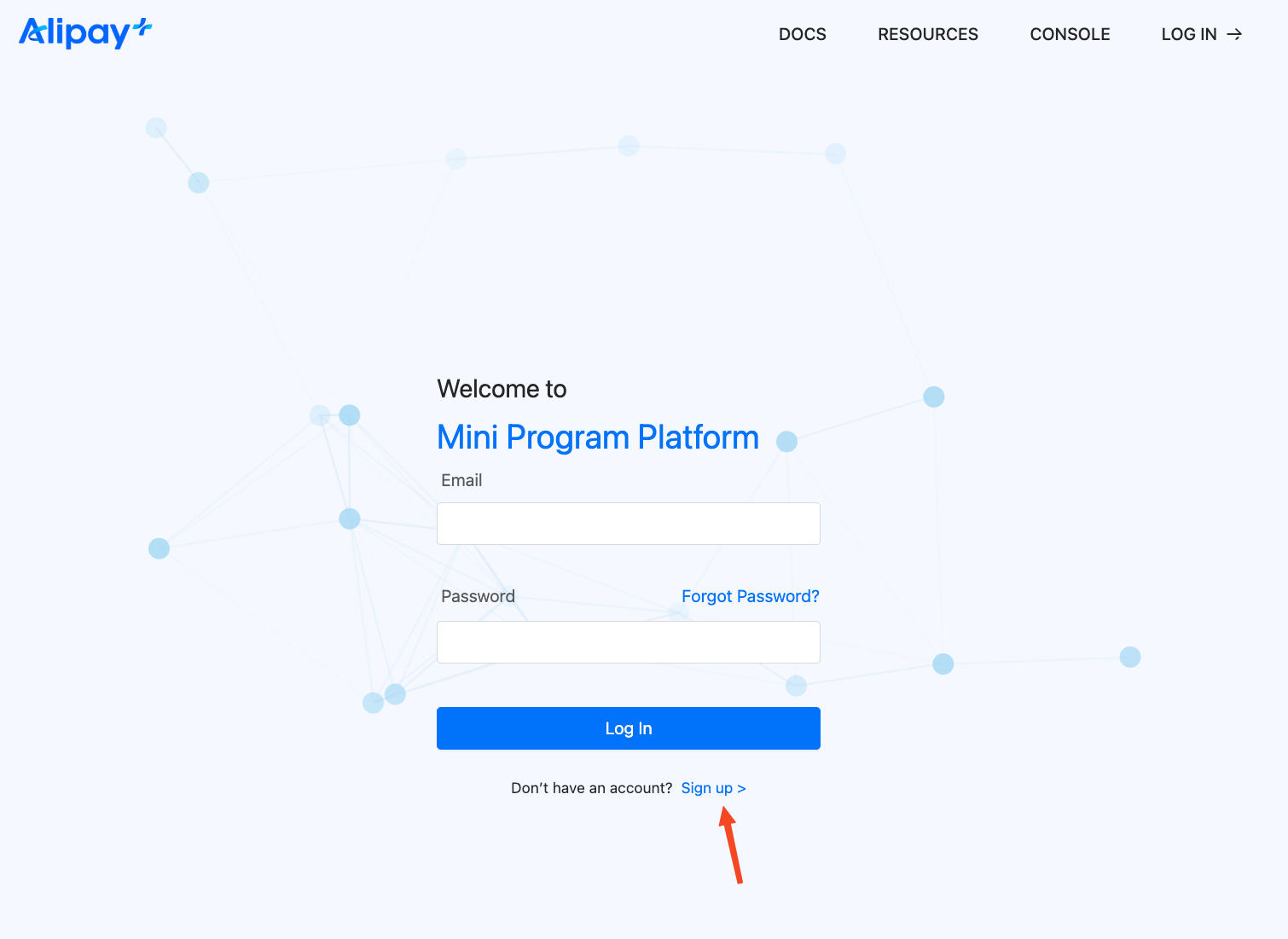
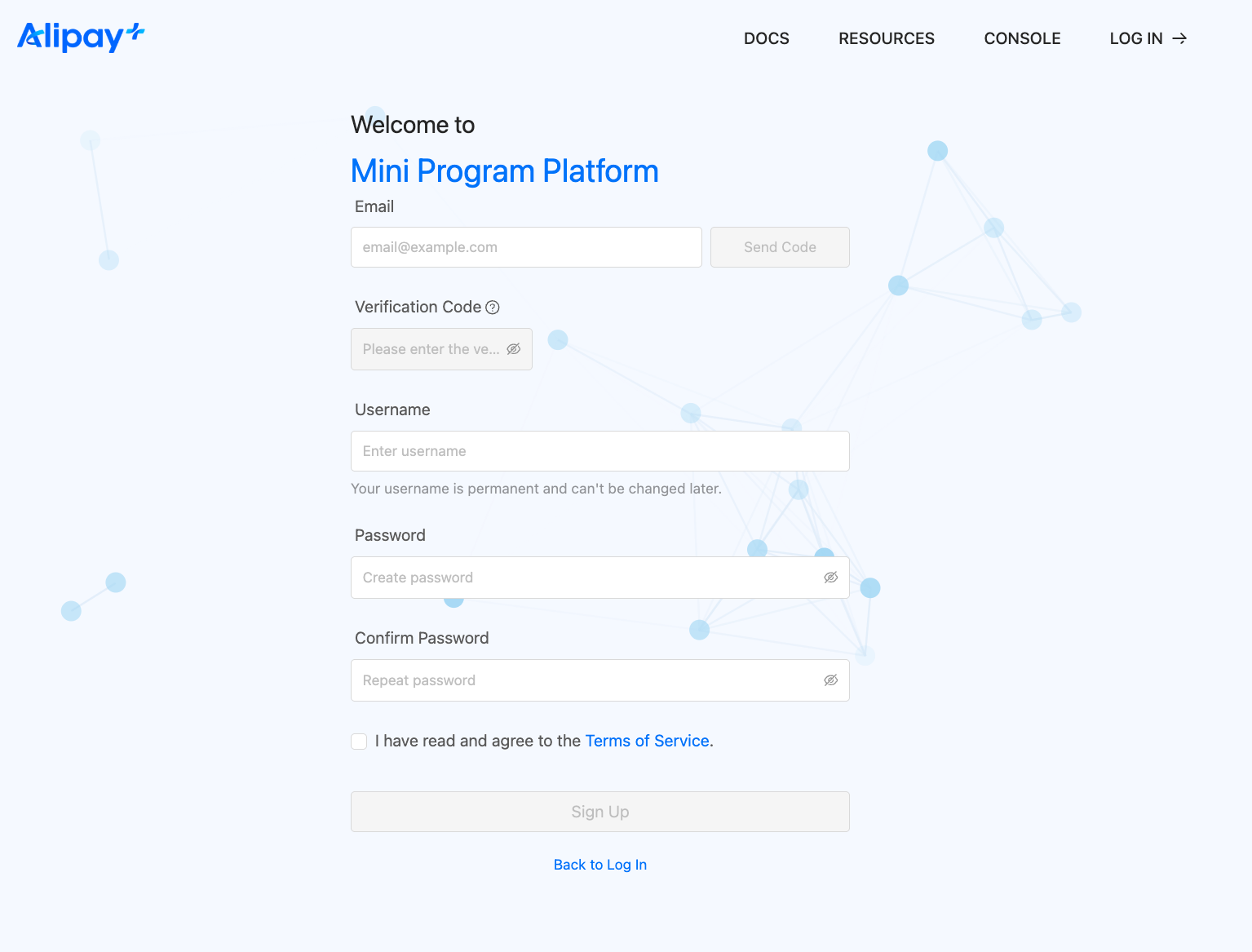
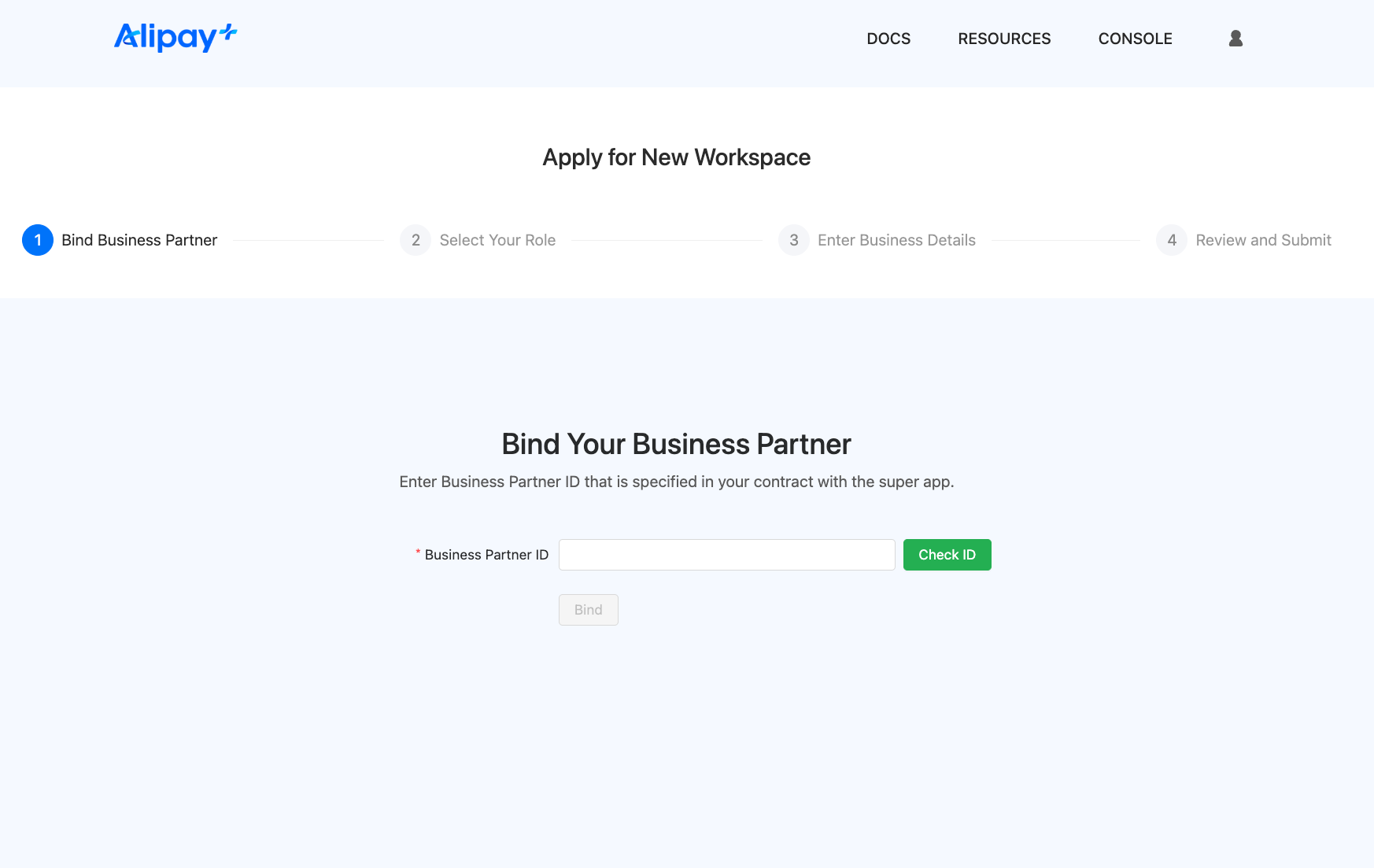
Step 3: Set Up Workspace
Fill in the necessary data to create your workspace
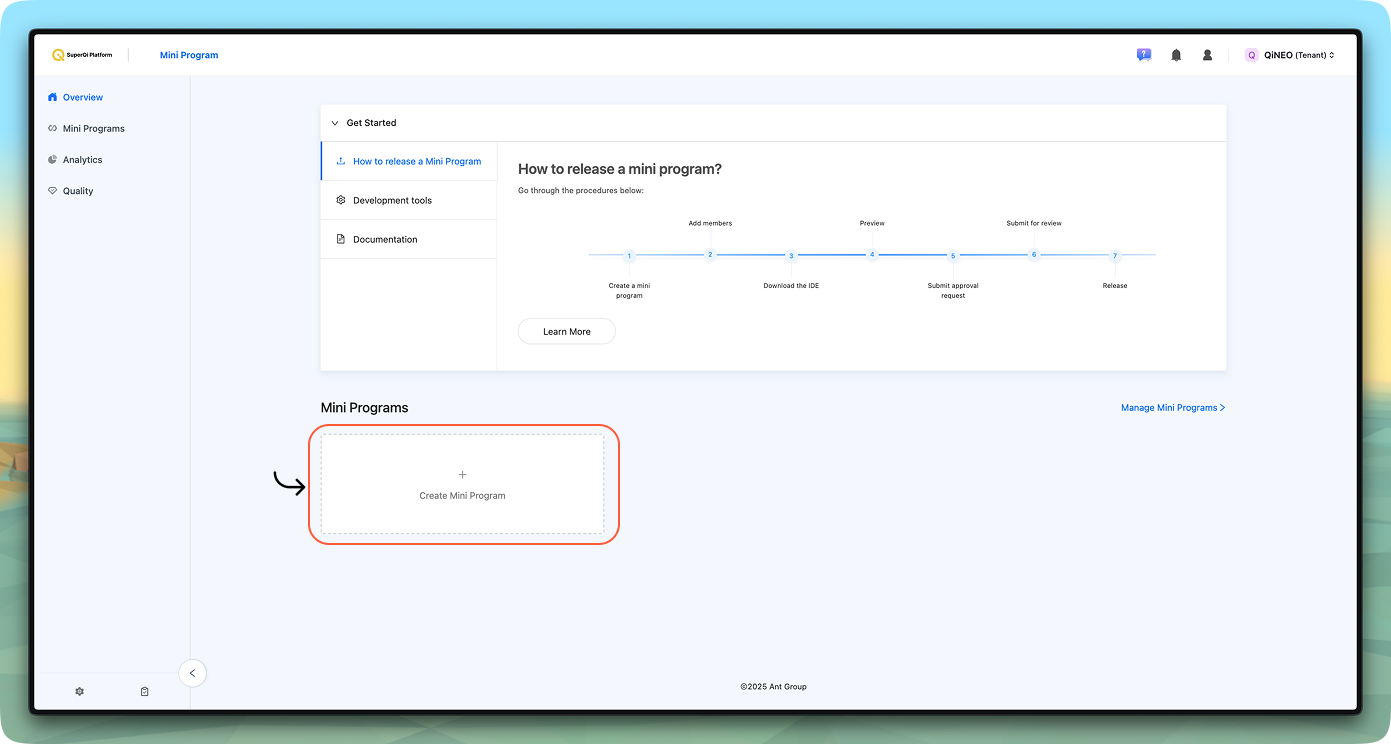
Step 4: Access Console Dashboard
Once approved, access your console dashboard to start creating and managing Miniapps.
Getting Help
For issues with the console, Miniapp management, or developer resources, contact the developer support team hani.salih@qi.iq.
Ready to continue? The next section will guide you through setting up your Super Qi UAT to start development!